Gym check-in software for martial arts academies: kiosk, QR, and the member app
How modern check-in works for a BJJ or martial arts academy — front-desk kiosk, QR codes, and tap-to-check-in from the member app. What each method is good for, and why the check-in is the single most valuable piece of data your gym collects.
Why the check-in is the most important event in your gym
Every other number in your academy is downstream of attendance. Retention is just attendance that didn't stop. Class utilization is attendance divided by capacity. Promotions are attendance plus time. Even churn — the thing that actually kills gyms — shows up first as attendance quietly trailing off.
The problem is that for most martial arts academies, attendance is the worst-tracked number they have. It lives on a clipboard at the front desk, in a coach's memory, or nowhere at all. You can't act on data you never captured. So the first job of check-in software isn't speed or aesthetics — it's making sure the event gets recorded, reliably, every time, with as little friction as possible.
OLM treats the check-in as a first-class record. Every check-in is keyed to both the member and the gym, timestamped in your academy's timezone, and tied to the class session it belongs to. That single discipline is what makes attendance reports, capacity planning, and early churn detection possible later.
Three ways members check in
There's no single right way to check members in — it depends on your front desk, your space, and your members' phones. OLM supports three, and you can run all of them at once.
- Kiosk: a tablet at the front desk running OLM in kiosk mode. Members search their name or scan a code and tap in. No staff required, works during open-mat when nobody's at the desk.
- QR code: a printed code on the wall or mat-side. Members scan with their phone camera, which opens the app to the check-in screen for the current class.
- Member app: members open the OLM app, see today's classes, and tap to check in — useful for reserving a spot before they even arrive, and the default for members who already have the app.
Kiosk mode: the unattended front desk
Most martial arts academies don't have a staffed front desk for every class. The 6am class, the lunch open-mat, the late-night no-gi — those run on a coach and a key. Kiosk mode is built for exactly that: a tablet that lets members check themselves in without anyone manning it.
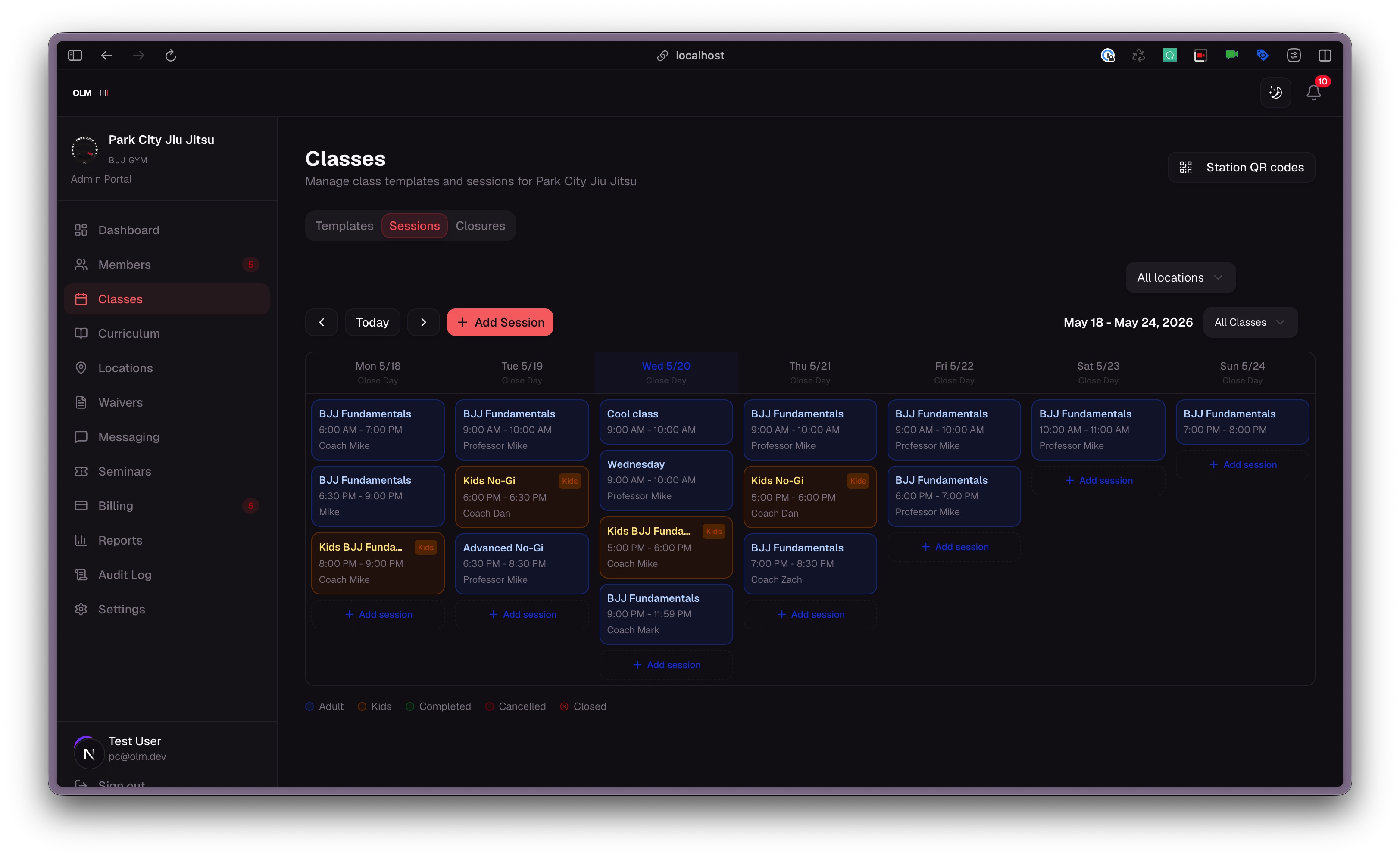
The kiosk shows the current class session, members find themselves by name or scan their code, and the check-in lands instantly in your attendance records. Because it's tied to the live class session (generated nightly from your class templates), you're not just recording 'someone trained today' — you're recording who trained in which class, which is what makes class-level utilization reports work.
App check-in and the member experience
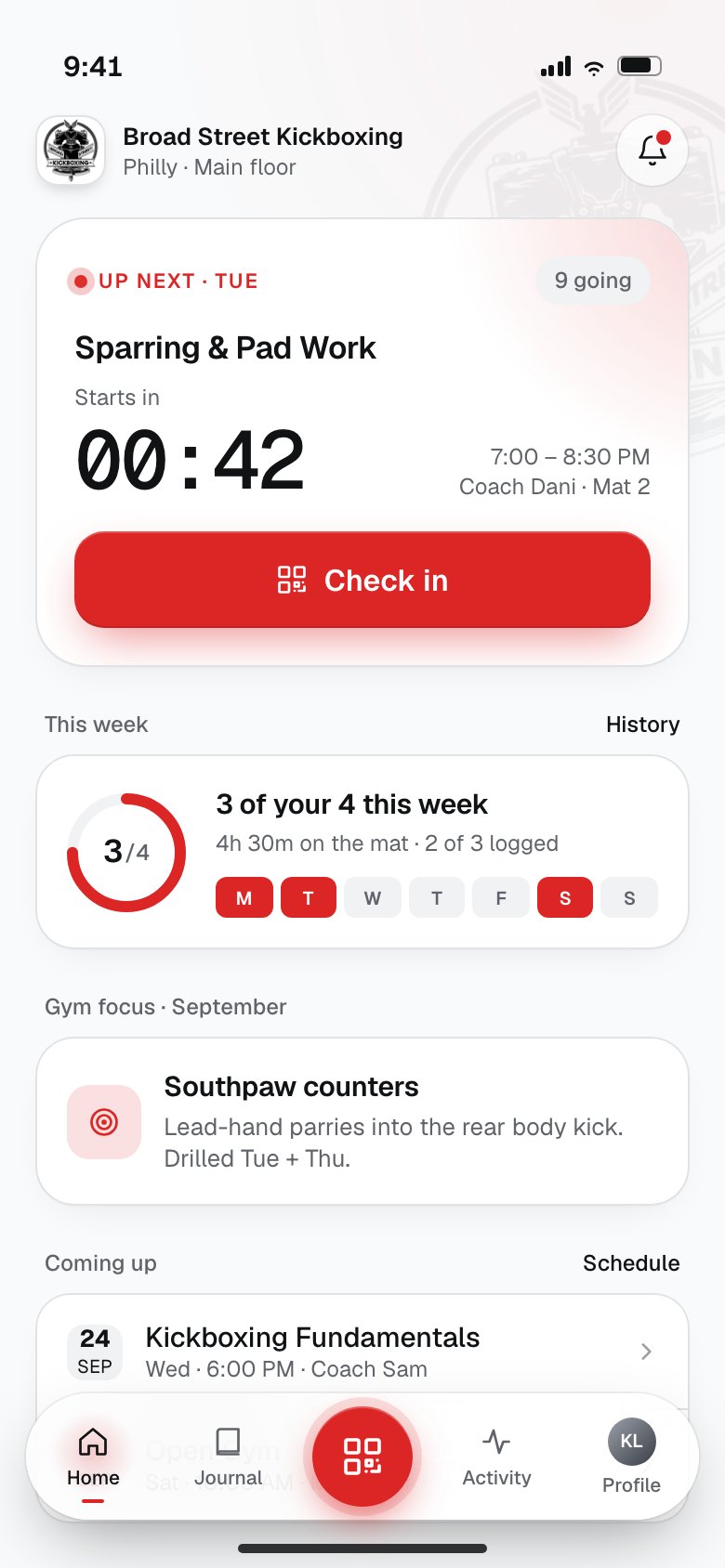
For members who've installed the white-labeled app, check-in is a single tap from the dashboard. They see today's schedule, tap the class they're in, and they're checked in. It feels less like clocking in and more like the app acknowledging they showed up — which matters, because the check-in is also the moment OLM can prompt them to journal the session while it's fresh.
This is where OLM differs from a generic gym check-in tool. The check-in isn't a dead-end administrative event; it's the front door to the member's training history. Tap in, train, and afterward the app nudges a quick journal entry that feeds their personal training journal and the 8-axis radar of what they've been drilling.
Check-ins follow the member, not just the gym
A martial arts athlete who trains for a decade will likely train at more than one gym — a move, travel, a second academy for no-gi. On most platforms, their attendance history is trapped inside whichever gym recorded it. OLM keys check-ins to the member as well as the gym, so a member's lifetime training total follows them, while each gym still sees only its own slice for billing and reporting.
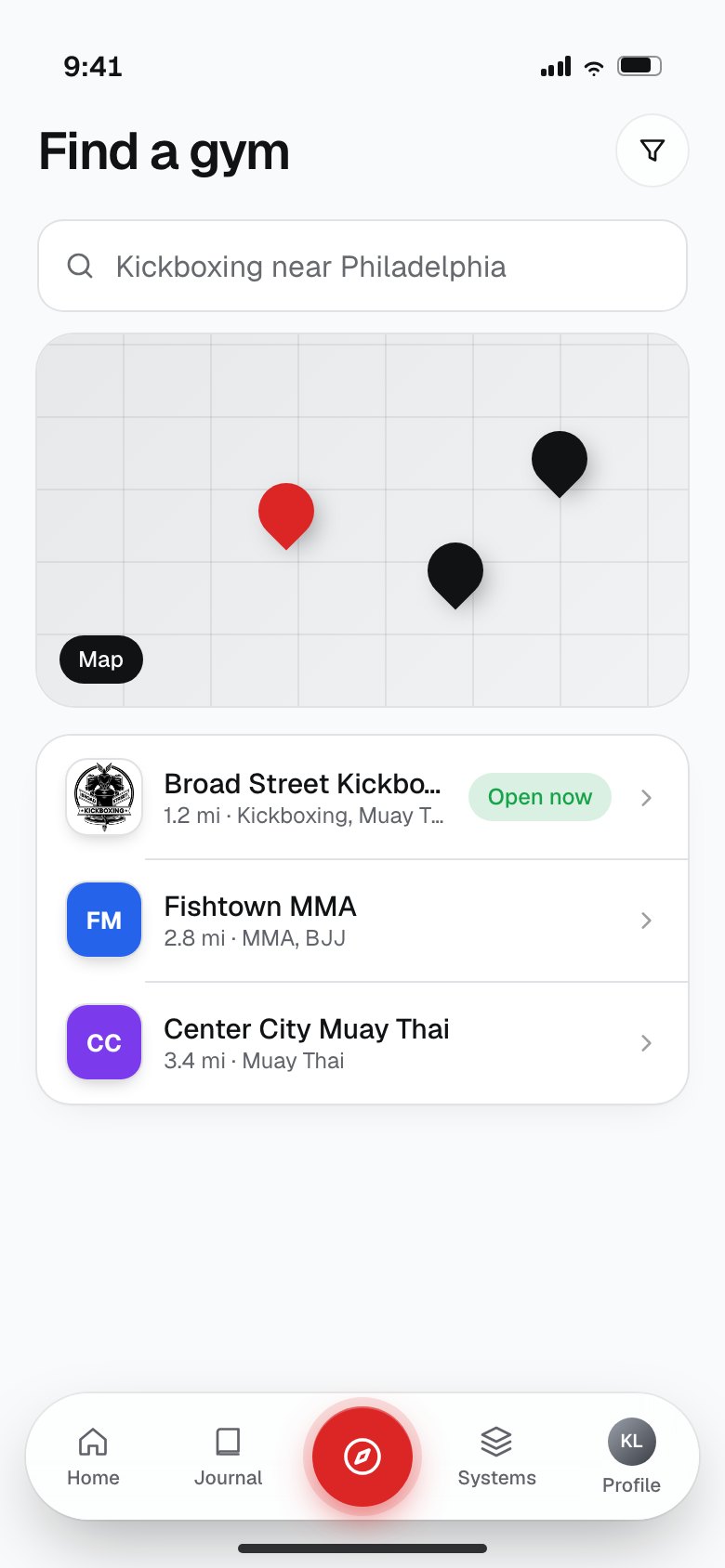
Practically, that means a visiting member who drops in at your academy already has an OLM identity; their check-in with you adds to their lifetime record and their journal, and your gym gets a clean drop-in record (and the drop-in payment) without onboarding them from scratch.
What to do with the data once you're capturing it
Capturing check-ins reliably is step one. The payoff is what you can see afterward: which classes are full and which are dying, who's training three times a week and who's quietly fading, and which members are trending toward cancellation before they ever email you.
If you only take one thing from this post: the check-in is cheap to capture and expensive to skip. Every academy that tracks it well ends up with a retention lever that academies running clipboards simply don't have.
Free tool
Free class schedule widget for your website
Embed a live, always-current class schedule on your gym's site — so prospects answer “what time are classes?” themselves instead of waiting on a DM reply.
Get the widgetTry OLM
White-labeled software for martial arts academies. $0/mo, pay only when you collect.
Create your account